

The Research Portal
The research portal is the visitor interface for primarily external target groups, such as colleagues from other universities, the media and the general public.
How the Research Portal helps you
The research portal gives an overview of the research conducted at Lund University. As a researcher, you can showcase your work, such as your research output or other activities related to your research on the portal. If you have received external funding, you can present the project on a dedicated page in the portal and keep it updated, which is often a requirement from the funder.
External researchers can use the portal to find researchers at Lund University working on similar topics or to search for infrastructures they can access.
How to update the Research Portal
Information in the Research Portal primarily comes from LUCRIS. In LUCRIS, you can update or create information that will then appear in the Research Portal. The "Use LUCRIS" subpages explain each module and what information appears in the portal.
Some information in the Research Portal comes from Lucat and can only be updated by someone with the correct authorization. More information about this can be found on the page directed at the Lucat administrators.
Search in the Research Portal
If you want an overview of the occurrence of a subject in all modules, you can easily find it in the Research Portal. You can either make a simple search or an advanced search.
Simple search
The simple search works similarly to a Google search. When you search for one or more words, you perform a free text search. Results include all content where the words appear, even if they are not next to each other. If you want to search for a specific phrase, like "Green economy," use quotation marks. This way, you will only get results where the exact phrase appears.
Go to the search box on the landing page to make a simple search:

Search for a topic such as "Green economy". You can then select filters to the left of the list of hits.
Advanced search
Advanced search lets you search for phrases and narrow the results by excluding specific words.

It is also possible to use a longer text to search for an expert. Then the search is made on people's related Fingerprints.
Contact the LUCRIS support
E-mail: servicedesk [at] lu [dot] se
Phone: 046-222 90 00
Monday - Friday 8:00-17:00
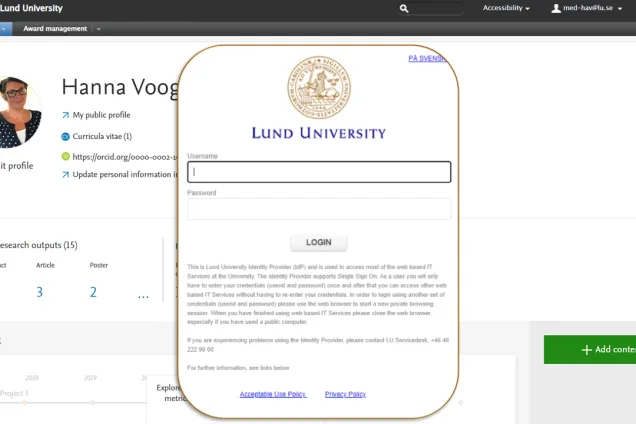
Log in to LUCRIS
(lucris.lub.lu.se)

Research portal
(portal.research.lu.se)
